


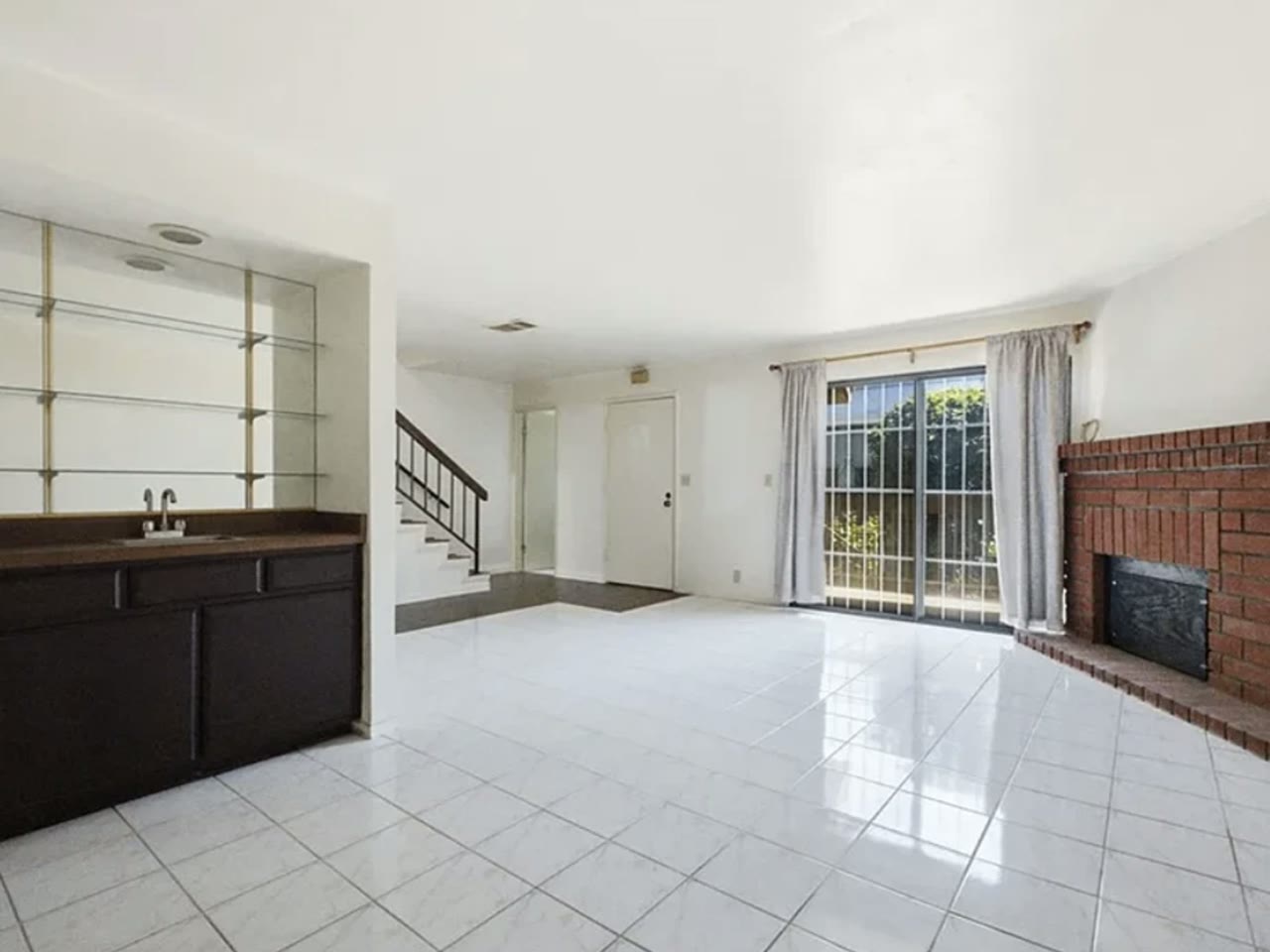
Clutter is the most common photo problem in occupied listings and the least discussed, because the fix used to be awkward: ask the sellers to hide their life in a closet for a day. Virtual decluttering changed the economics — but it also created a new way to get an agent in trouble, so the rules matter as much as the tool.
Clear first, edit second
Editing is not a substitute for prep. The fifteen-minute physical pass — counters, floors, fridge magnets, visible bins — costs nothing and gives every later edit a cleaner starting point. Virtual decluttering earns its keep on what prep cannot reach: the seller who would not tidy, the tenant-occupied unit photographed as-is, the old photo set you inherited with a relisting.
What virtual decluttering is FOR
- Countertop clutter in kitchens and bathrooms
- Toys, laundry, pet gear, cords and bins
- Personal photos and effects — which is also a privacy courtesy to the seller
- Furniture overload in a room that reads smaller than it is
- The tenant’s belongings in an occupied rental being listed
What it is NOT for
Anything attached to or part of the home stays in the photo: stains, wall damage, dated fixtures, worn flooring, the neighbor’s fence, power lines. Those are conditions of the property, and removing them is not decluttering — it is concealment, the kind that surfaces at the inspection with your name on the marketing. The test is simple: if it leaves with the seller’s moving truck, you can remove it; if it conveys with the house, you cannot.
Doing it well
- Declutter, don’t empty — a lived-in room with clear surfaces reads warmer than a sterile one
- Check shadows and reflections: a removed object that still casts a shadow is the tell buyers spot
- Keep the original photo — some boards want it available, and you want it if a buyer asks
- Be consistent across the set: one pristine kitchen next to four cluttered bedrooms reads as staged dishonesty
Questions
Common questions.
Is it legal to remove items from real estate photos?
Removing movable personal property is accepted practice on most MLS boards — it is treated like physically tidying before the shoot. Removing or altering anything that conveys with the home — fixtures, finishes, damage, views — misrepresents the property and can violate MLS rules and consumer-protection law.
Should I ask the seller before decluttering their photos?
Yes, briefly — most sellers are glad their personal items won’t be online, and the conversation doubles as the disclosure that photos were edited. It also avoids the rare seller who objects to any modification of how their home is shown.
How much does virtual decluttering cost?
Per-photo editing services typically charge $5–20 per image with day-long turnaround. Software that does it directly runs on a subscription and turns a photo around in minutes, which matters most when you are cleaning a whole 25-photo set rather than two hero shots.